
Pharmacy inventory management
Pharmacy inventory management with batches and expiry
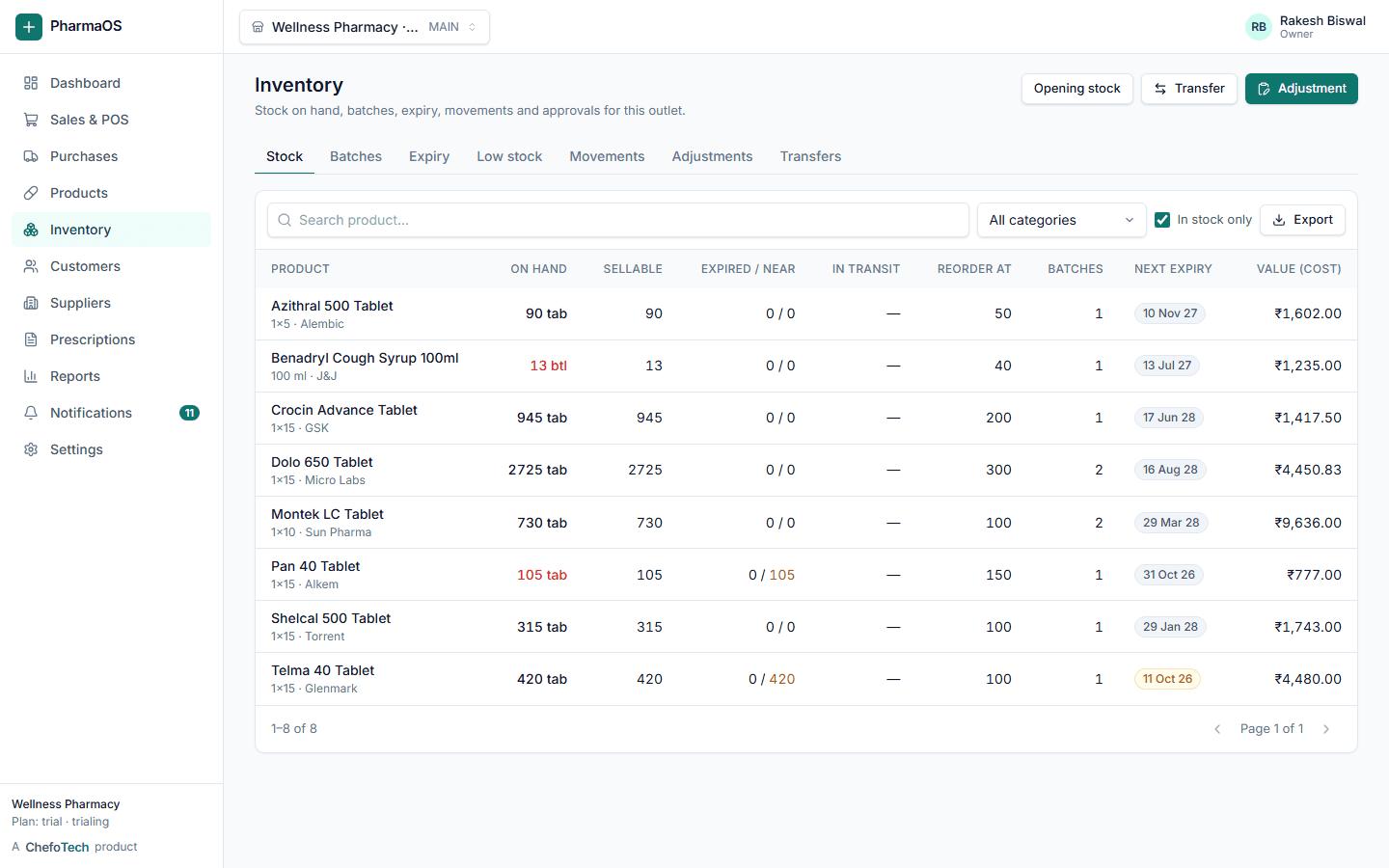
Know exactly what is on the shelf, which batch it is, when it expires and what it is worth, without a physical count every week.
What you get
Batch-wise stock
Quantity, cost, MRP and expiry per batch; movements recorded for every change.
Expiry control
Near-expiry windows, blocked sale of expired stock, supplier return and write-off flows.
Adjustments and transfers
Count corrections with reasons; transfers between outlets with dispatch and receipt.
Valuation and movement
Stock value at cost, fast and slow movers, dead stock and reorder suggestions.
Expiry
Nothing expires quietly on the shelf
Set the windows that matter to you. The dashboard, inventory list and expiry report show what is due, so you can return it to the supplier while it still has value or discount it before it is lost.
- Expiry report by outlet and supplier
- Expired stock blocked at the counter
- Write-off with reason and audit trail
Reorder
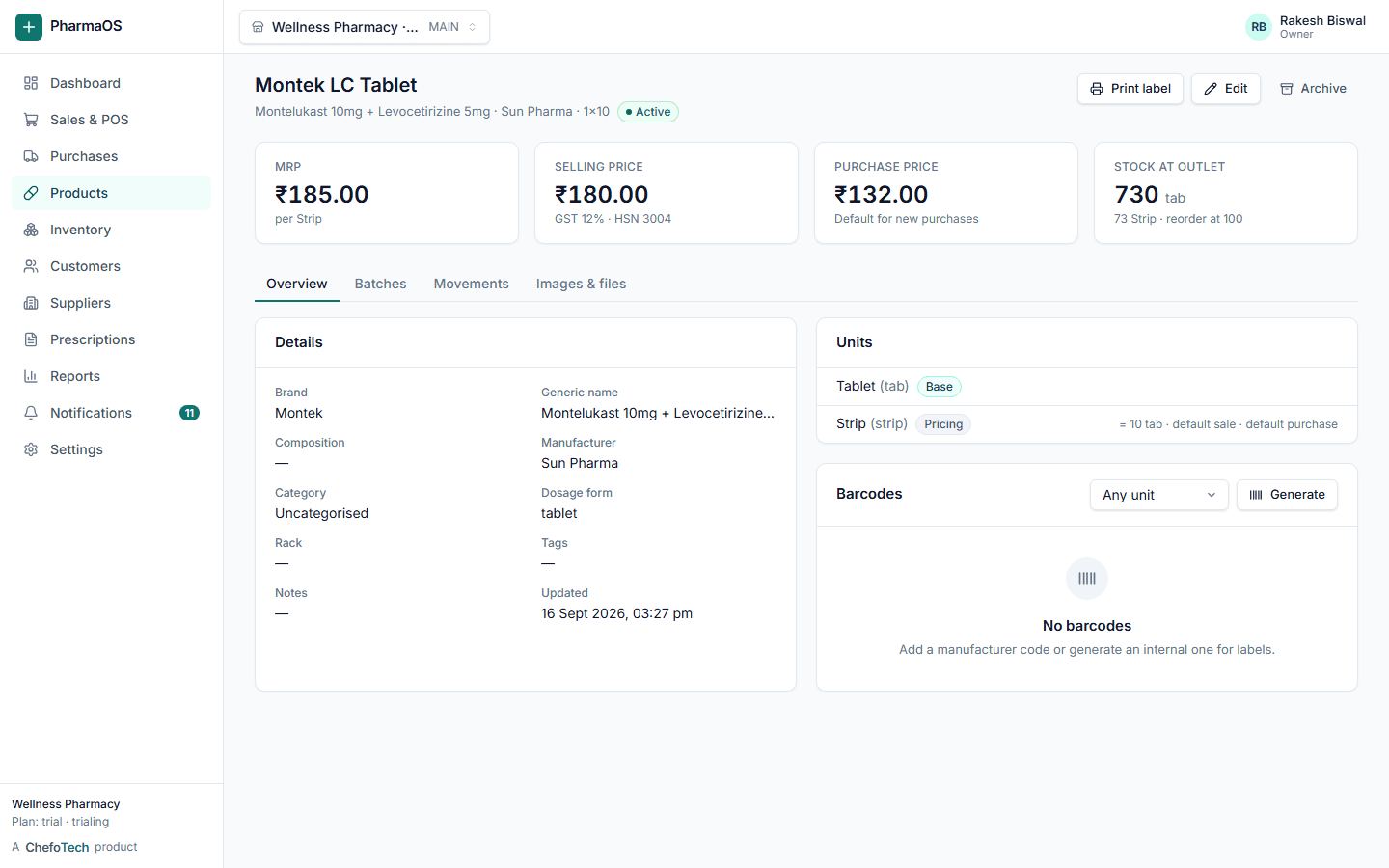
Reorder before you run out
Reorder levels per product, a low-stock list per outlet and, with the AI assistant, a plain-language reorder list based on recent sales.
Accuracy
Every movement has a reason and a person
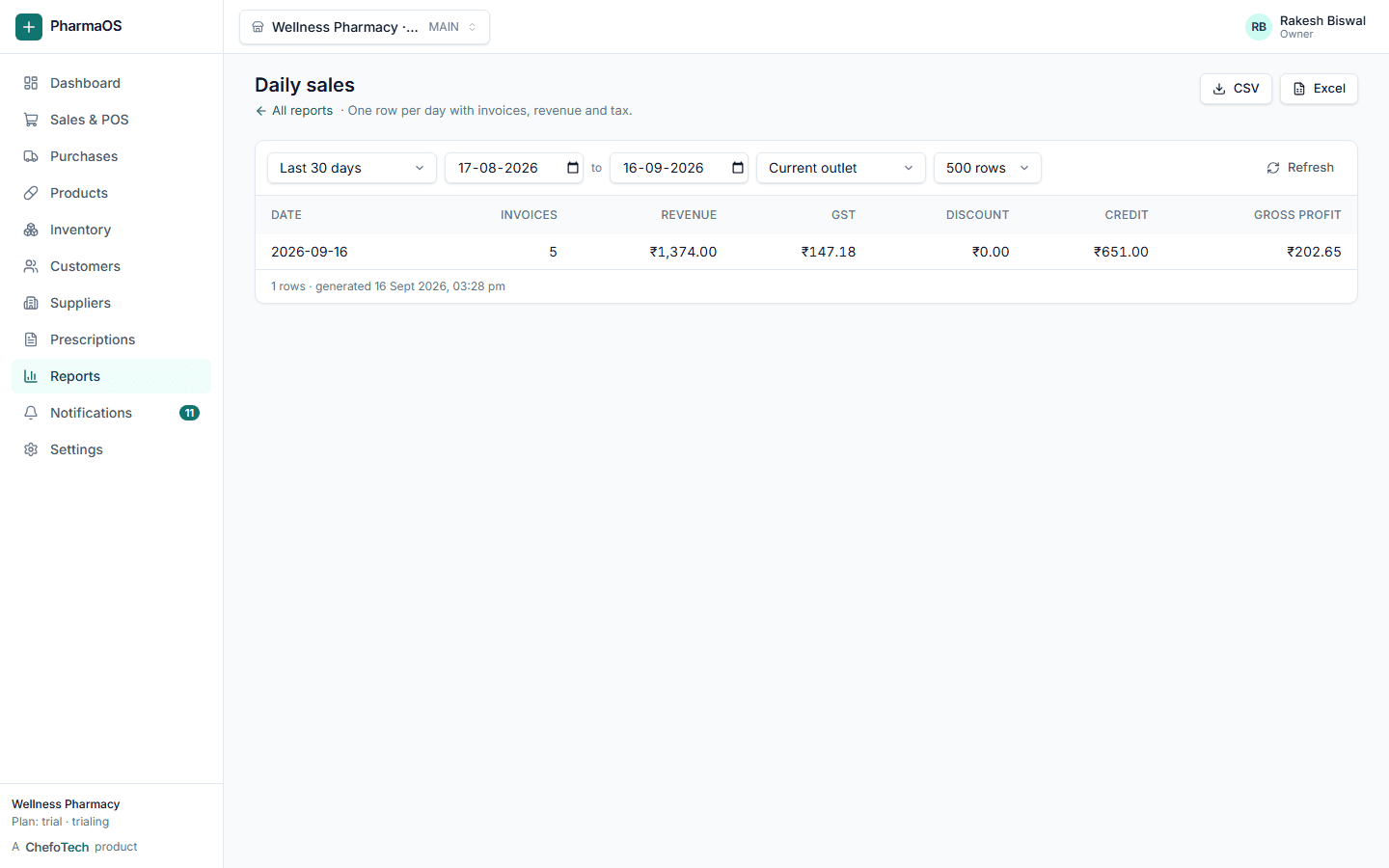
Purchases, sales, returns, adjustments and transfers all write to the same movement ledger. Cost and profit are separate permissions, so staff see stock without seeing margins.
Common questions
Can I track medicine batches?
Every purchase creates or updates a batch with its own batch number, expiry, MRP, cost and selling price. Stock is held per batch, and at the counter the earliest-expiring batch is picked first (FEFO) unless the cashier chooses another.
Can I track expiry dates?
Yes. You set near-expiry windows (for example 30, 60 and 90 days) and see expiring stock on the dashboard, in the inventory screen and in the expiry report. Expired batches are blocked from sale automatically and can be returned to the supplier or written off with a reason.
Can I transfer stock between outlets?
Yes. Create a transfer from one outlet to another, dispatch it, and receive it at the destination. Stock moves batch by batch and both outlets keep a full movement history.
Can I sell loose tablets?
Yes. Each product defines its units and conversion (for example 1 strip = 10 tablets) and stock is kept in the smallest unit. You can bill 3 tablets from a strip and the stock stays exact. Loose sale can be switched off per product.
Can I import purchase invoices?
You can enter supplier invoices line by line with schemes and free quantities, and with the optional AI assistant you can upload a photo or PDF of the invoice and have the lines, batches, expiry and prices read into a draft that you check before saving. Opening stock, products, customers and suppliers can also be imported from CSV or Excel.
See PharmaOS running on your own products
Create your organization in a couple of minutes, or ask us for a walkthrough. No card needed for the 14-day trial.