
Pharmacy POS software for a busy counter
A point of sale that understands medicines: batches, expiry, schedule-H, loose units and credit customers, on the hardware you already have.
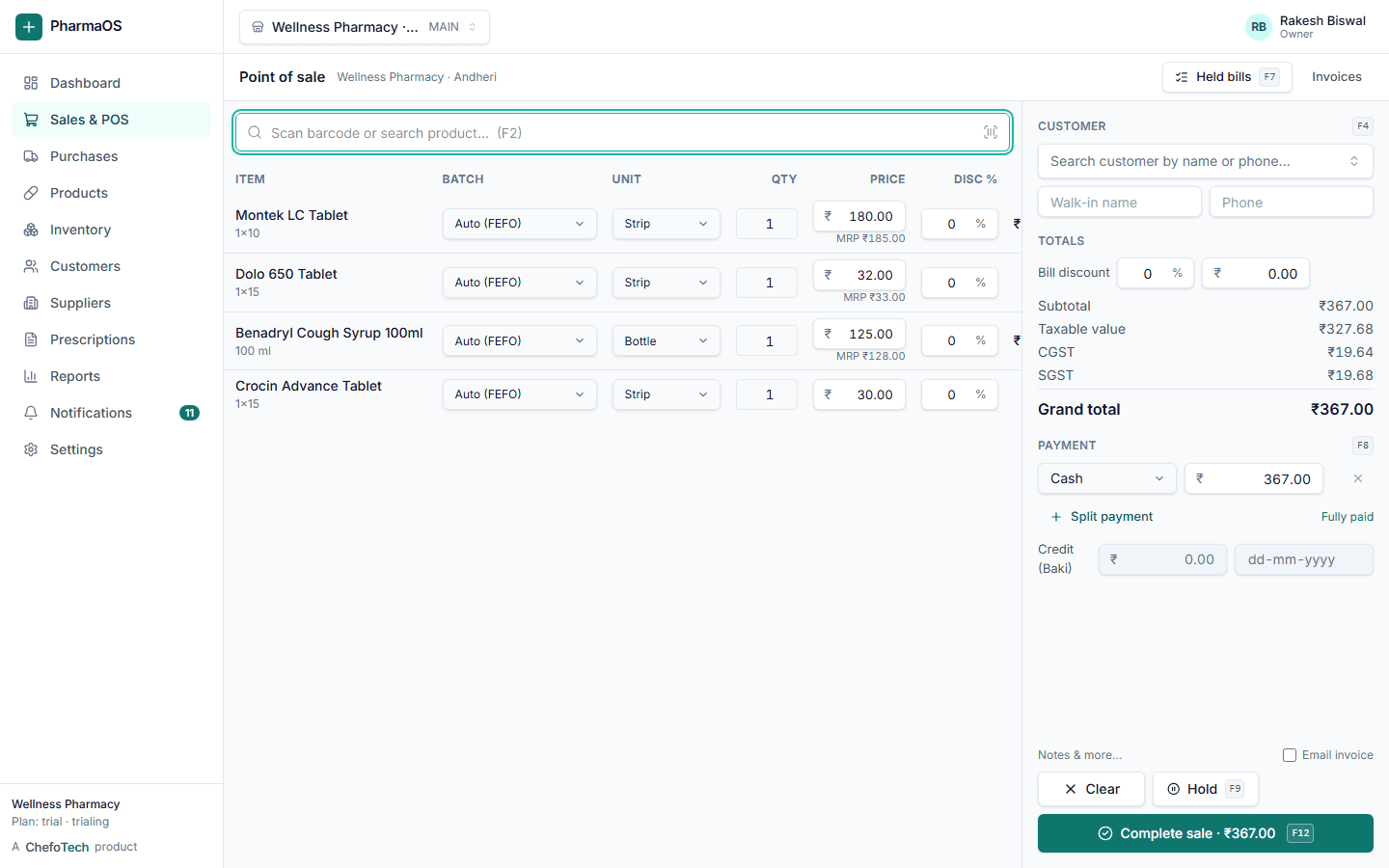
What you get
Runs in a browser
Laptop, desktop or tablet. Nothing to install and updates arrive automatically.
Expiry-aware
Expired batches never appear in the cart; near-expiry batches are flagged.
Roles for staff
Cashiers bill, pharmacists approve schedule items, managers see cost and margin.
Returns and exchanges
Return against an invoice, restock or write off, refund or credit note.
Search, add, pay, print
- Held bills per outlet
- Shortcut keys for every step
- Works with any keyboard-emulating scanner
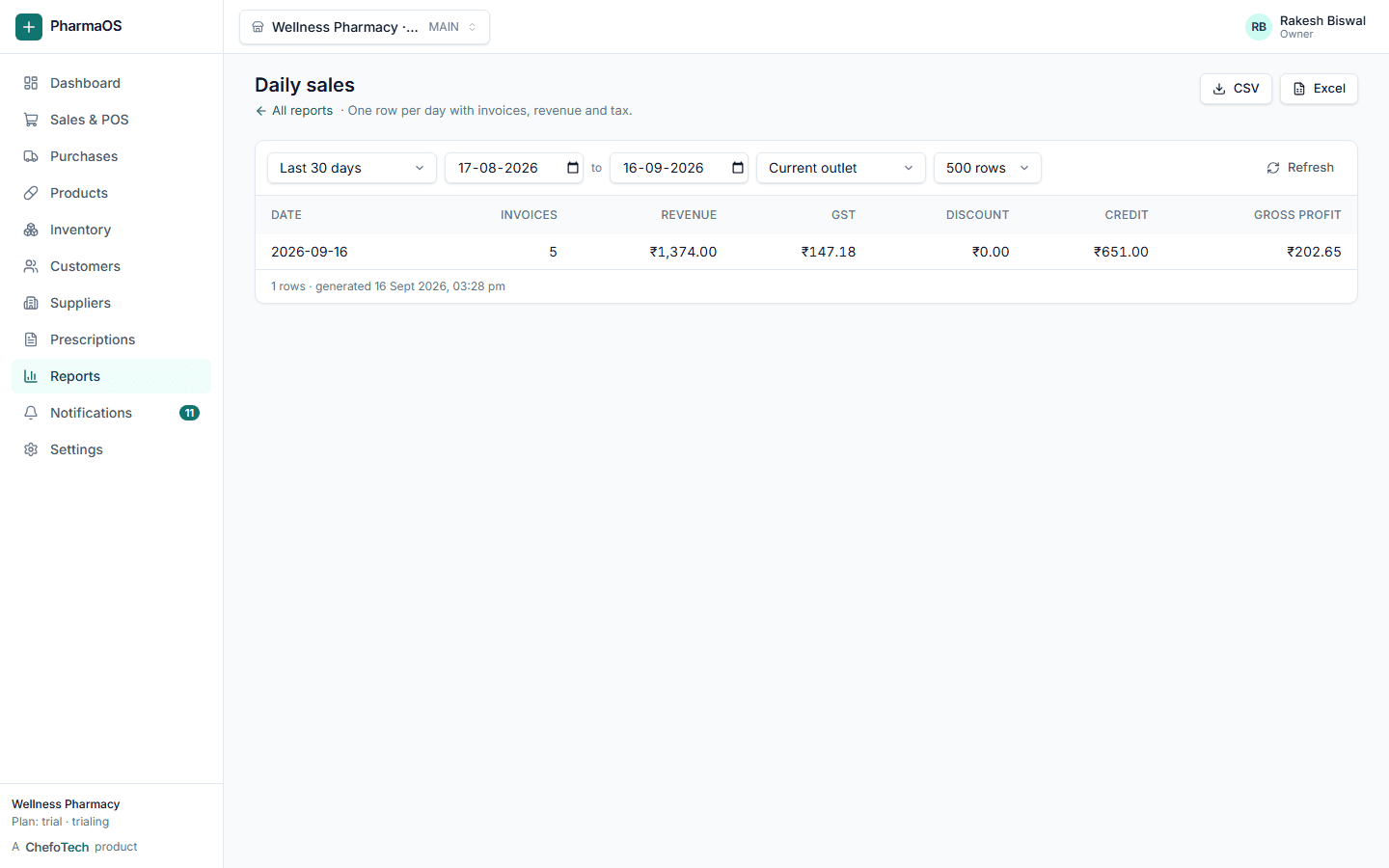
Every sale updates stock, ledger and reports at once
Check stock or a customer balance from your phone
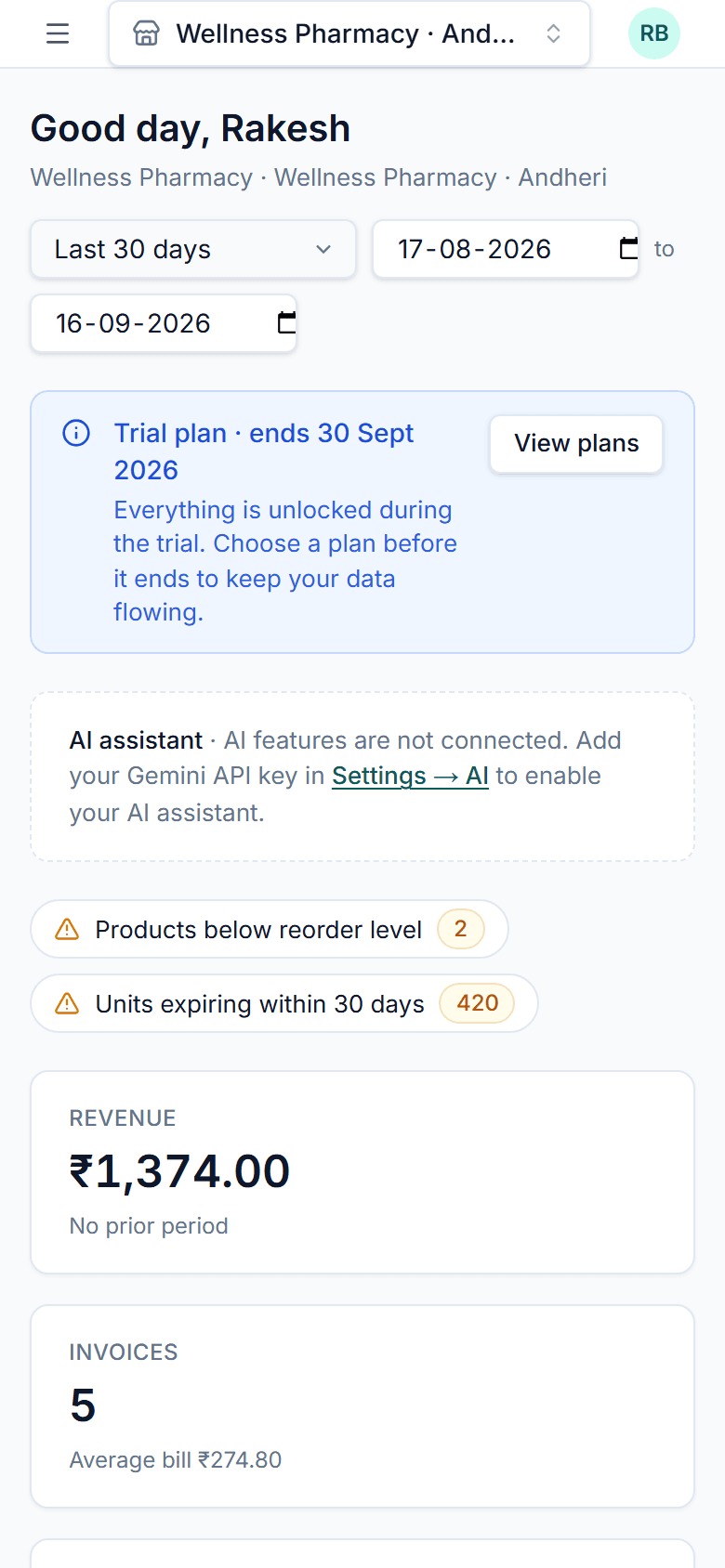
Scan the pack, and the bill is done
PharmaOS works with the barcode scanner you already have. Here is what happens from the scanner to the invoice.
Scan at the counter
Plug in any USB or Bluetooth barcode scanner; it types into the POS like a keyboard. The code is looked up instantly and the line lands on the bill with the earliest-expiring batch. No match? The same box searches by name, salt or brand.
One product, several barcodes
A product can hold more than one barcode, each tied to a unit, so the strip and the box of the same medicine scan as 10 tablets or 1 box. Batch number, expiry and MRP come from the pack when you enter the purchase, not from the barcode.
Print labels for the rest
Loose items, repacks and products without a manufacturer code get a label printed from the product page, so everything on the shelf scans the same way.
Common questions
Can I scan medicine barcodes?
Can pharmacy staff use the system easily?
What happens if the internet drops at the counter?
Can I generate PDF invoices?
See PharmaOS running on your own products
Create your organization in a couple of minutes, or ask us for a walkthrough. No card needed for the 14-day trial.