
Multi-outlet pharmacies
Pharmacy software for multiple outlets and chains
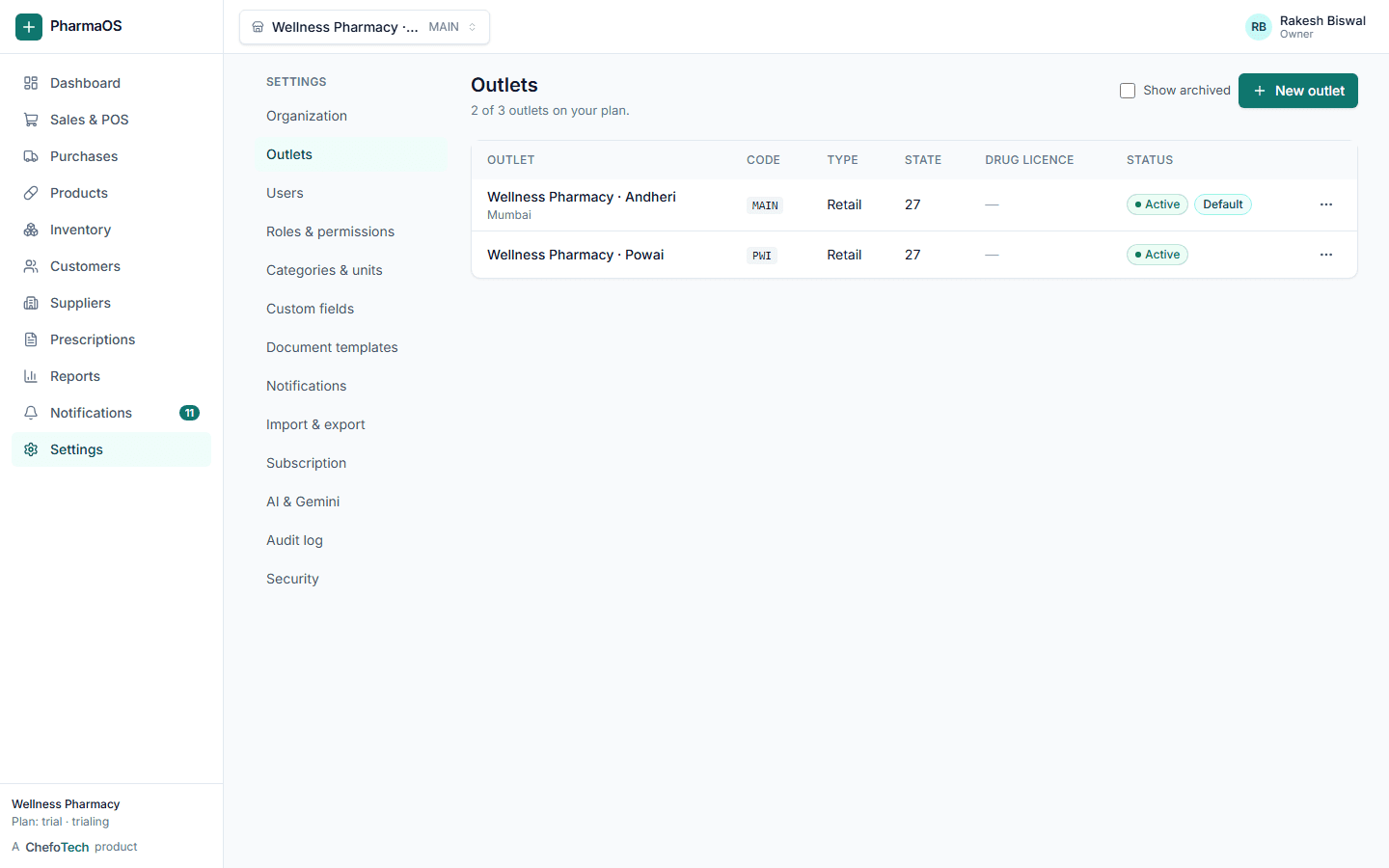
Each branch runs its own counter and store room. You see all of them, compare them and move stock between them, without merging spreadsheets.
What you get
Outlet isolation
Stock, sales, purchases, documents and numbering are separate per outlet.
Stock transfers
Dispatch from one branch, receive at another, batch by batch.
Outlet-level access
Assign staff to specific outlets; managers switch between the ones they run.
Consolidated reports
Sales, margins, stock and dues by outlet, side by side or combined.
Control
One organization, many outlets
Add outlets with their own address, GST state, invoice numbering and business hours. Templates, roles and custom fields can be shared or set per outlet.
- Per-outlet document numbering
- Outlet switcher for multi-site staff
- Plan limits enforced per organization
Movement
Move stock where it sells
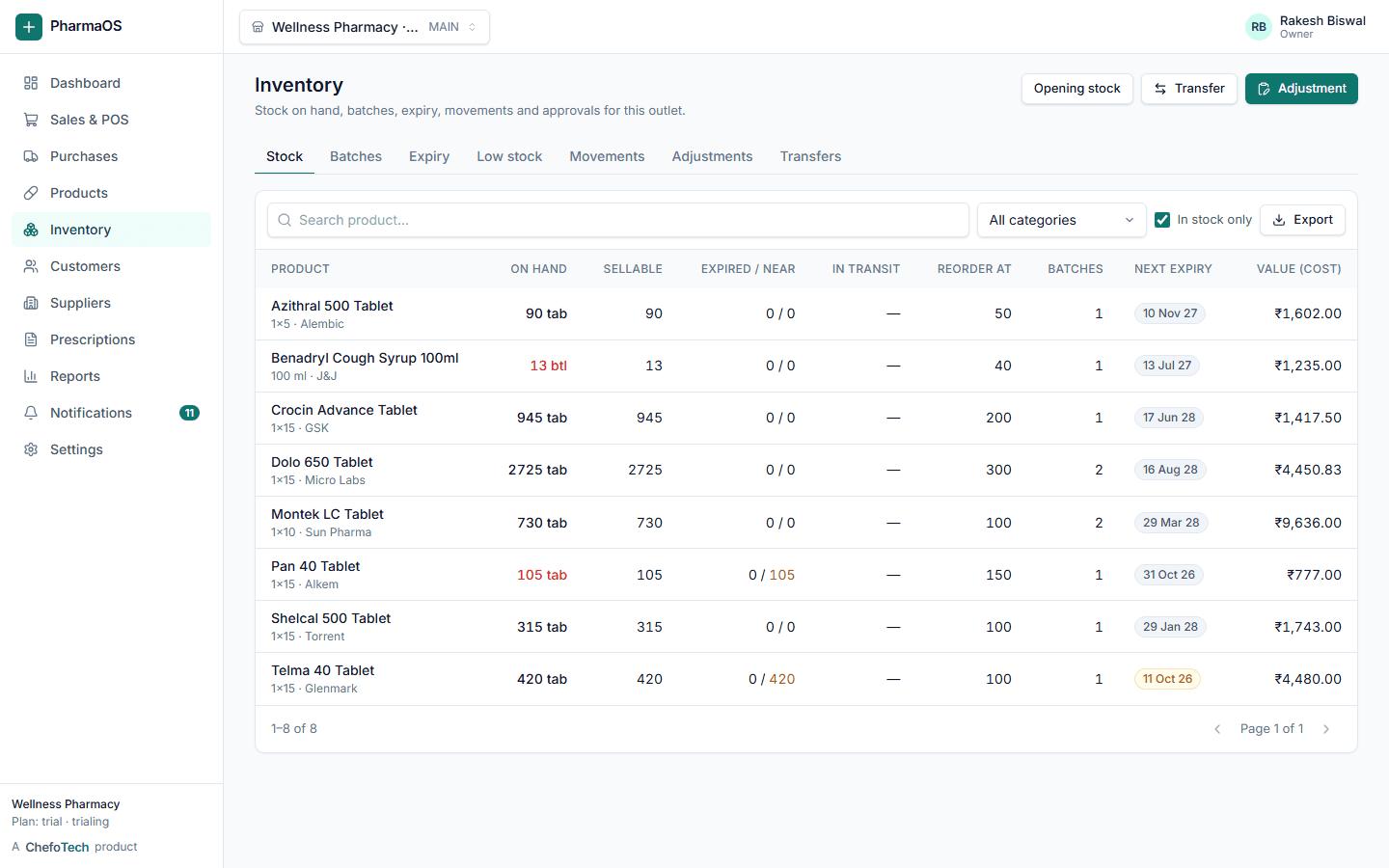
A transfer takes stock out of the sending outlet on dispatch and adds it at the receiving outlet on receipt, keeping batch and expiry intact. Both sides keep a full movement history.
Visibility
Compare outlets without exporting anything
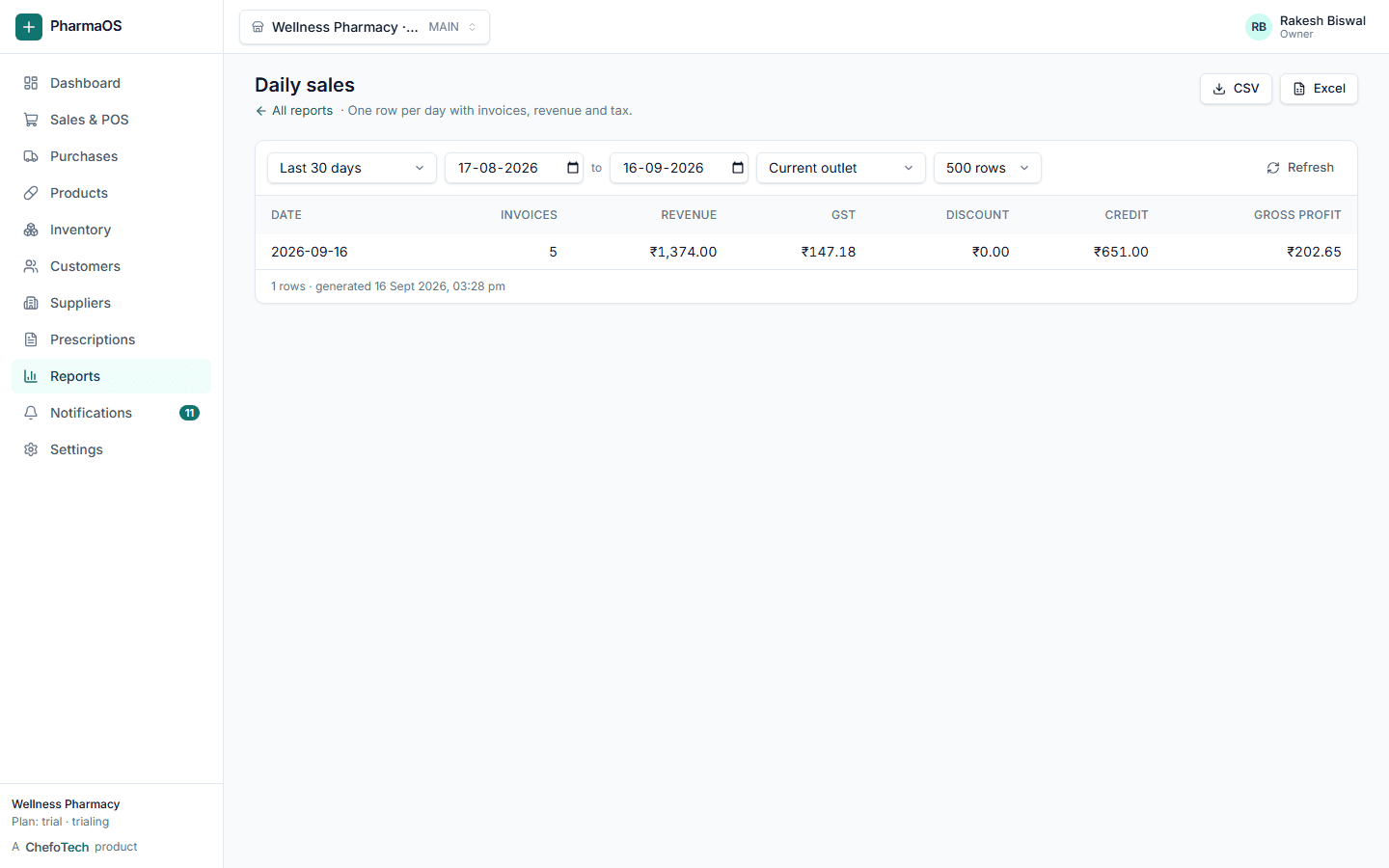
Outlet performance, staff performance, dues and expiry are available per outlet and consolidated. Cost and profit stay behind their own permissions.
Common questions
Can I manage multiple pharmacy outlets?
Yes. Each outlet keeps its own stock, sales, purchases and staff, while the owner sees consolidated reports across all branches. Stock can be transferred between outlets with a dispatch-and-receive flow, and users can be limited to specific outlets.
Can I transfer stock between outlets?
Yes. Create a transfer from one outlet to another, dispatch it, and receive it at the destination. Stock moves batch by batch and both outlets keep a full movement history.
Is my data separate from other pharmacies?
Yes. Every record belongs to your organization and every query is scoped to it on the server. Roles and permissions are enforced by the API, not just hidden in the interface, and an audit log records who changed what. You can export your whole organization as JSON at any time.
Can pharmacy staff use the system easily?
The point of sale is keyboard-first (search, pick, quantity, payment, done) and works on a laptop, desktop or tablet. Each staff member gets a role such as cashier, pharmacist or manager that shows only what they need. Every screen has a "What is this?" explainer when the AI assistant is enabled.
See PharmaOS running on your own products
Create your organization in a couple of minutes, or ask us for a walkthrough. No card needed for the 14-day trial.